Light/Dark mode, the CSS-variable way
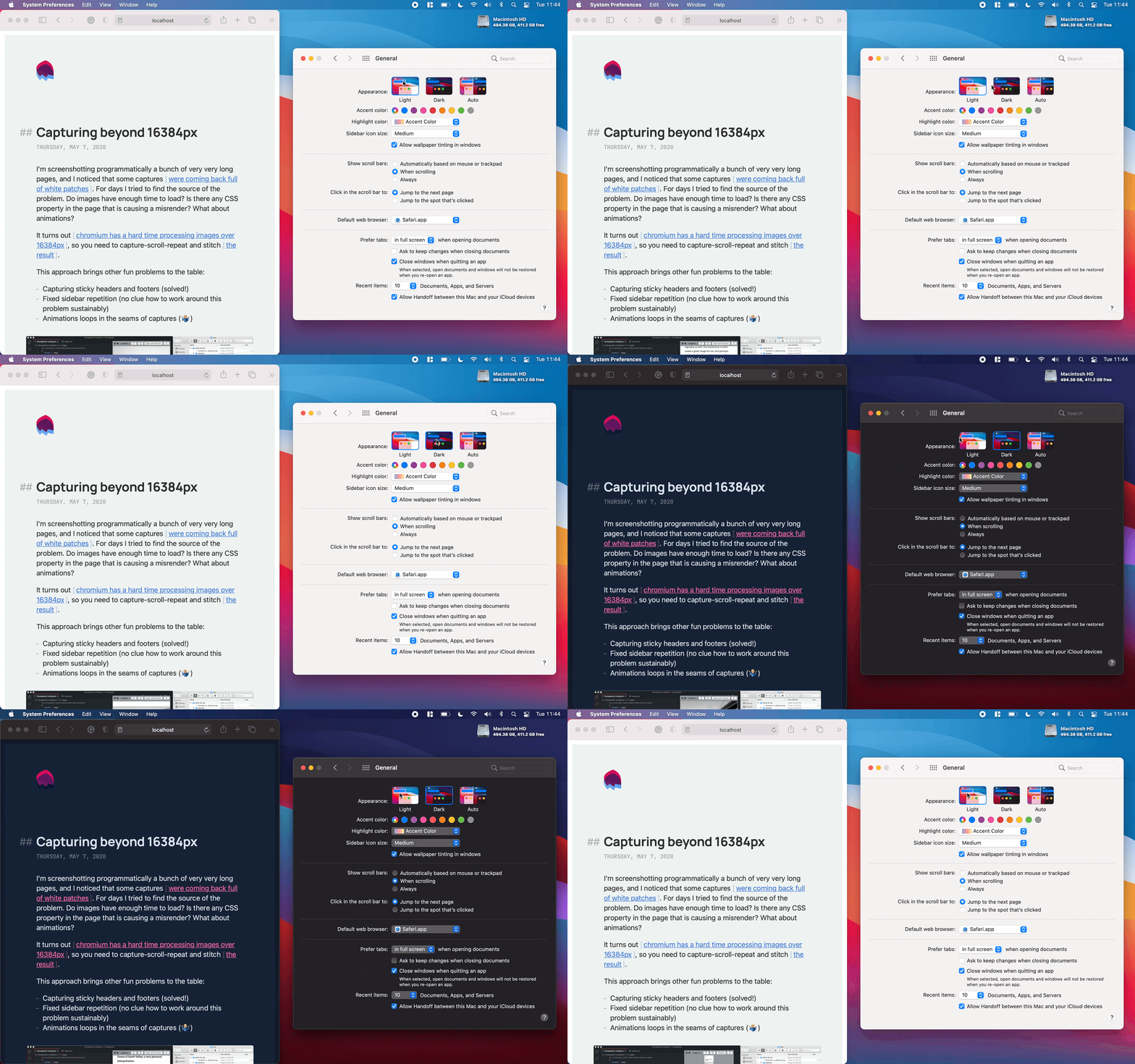
Choosing colors is hard. Respecting your visitors’ color preferences shouldn’t be.
You need two things: CSS variables and the media feature prefers-color-scheme.
- You can define your color variables and their values for light (default) and dark modes in your CSS file:
:root {
  --text: #333333;
}

@media (prefers-color-scheme: dark) {
  :root {
    --text: #ffffff;
  }
}- Then you can use those variables in your CSS declarations:
element {
  color: var(--text);
}
And that’s it! Your website will react to the user's color theme preference.
You can play with a simple but functional example in this CodePen; switch your OS appearance setting to see the colors change. This foundation also works like a charm in more complex scenarios:
- Check Joshua Comeau's post. He implements light/dark mode in Gatsby using CSS variables.
- Or this example using CSS variables with Next.js and styled-components.